Build a Local NVR With Frigate and No Cloud Subscription
Learn how a local-first NVR with Frigate can record security cameras at home without relying on paid cloud storage.
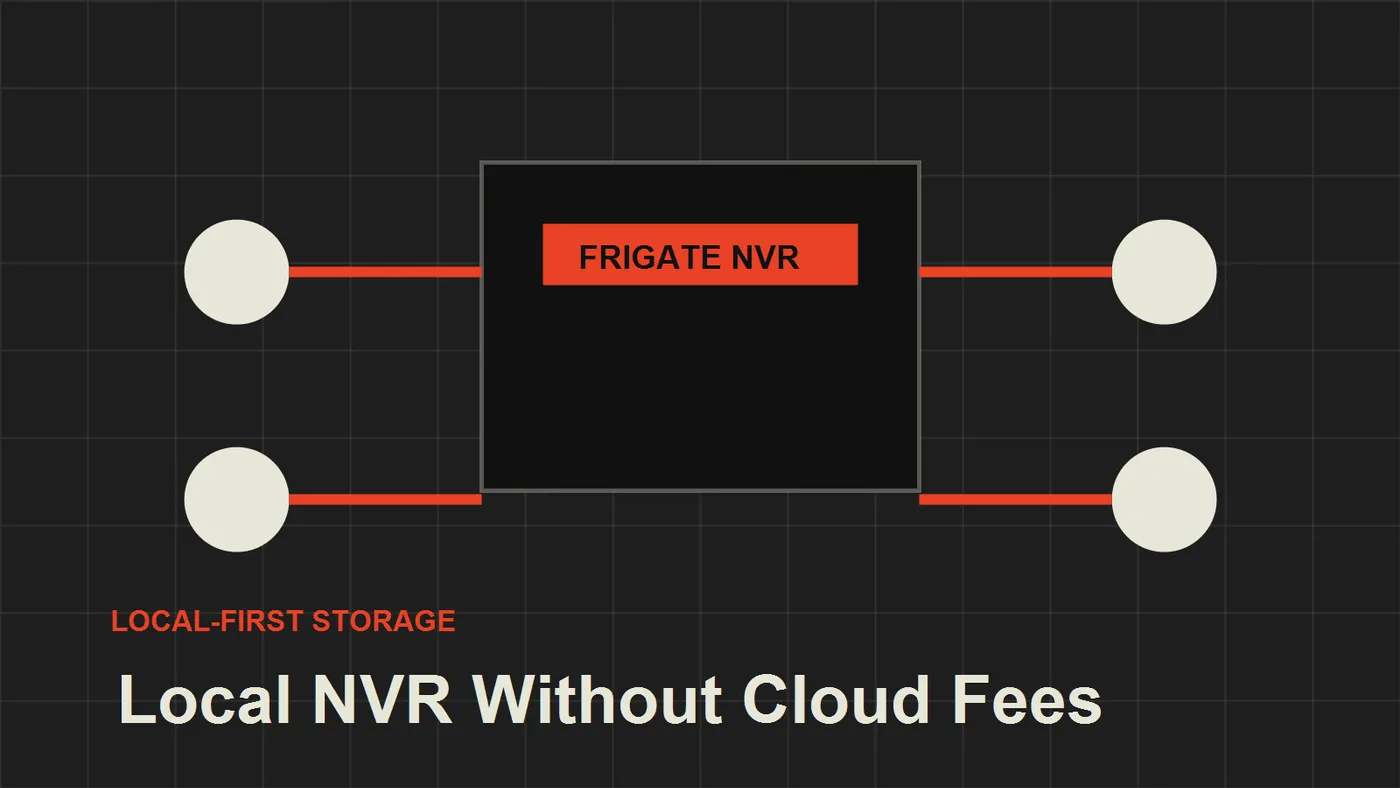
Learn how a local-first NVR with Frigate can record security cameras at home without relying on paid cloud storage.
Cloud camera subscriptions are convenient, but they create a permanent dependency. If the vendor changes prices, limits features, or has an outage, your security system becomes less useful exactly when you need it.
A local NVR gives you a different operating model: your cameras record inside your home, your clips stay on storage you control, and cloud access becomes optional.
If you are still comparing camera storage patterns, start with Do Not Buy a Wi-Fi Camera Before Understanding NVR Recording before you decide whether a camera SD card, a small appliance NVR, or Frigate is the right first step.
Why Frigate fits local-first security
Frigate is popular because it combines local recording with object detection. It can receive camera streams, detect events, and integrate with Home Assistant without forcing every clip through a vendor cloud.
For a practical home setup, the main advantages are:
- local recording
- event-based clips
- Home Assistant integration
- support for RTSP cameras
- hardware acceleration options
The result is a security architecture that is closer to a small professional system than a consumer subscription bundle.
Basic architecture
A clean local NVR setup has four parts:
- IP cameras on a camera VLAN that still allows local recording
- Frigate running on a small server, NAS, or mini PC
- local storage for recordings and clips
- Home Assistant for automation and alerts
The cameras should stream to Frigate. Frigate should store the footage locally. Home Assistant can use Frigate events to notify you, turn on lights, or trigger other automations.
Keep reading
Related guides
Build an Offline Multimodal Voice Assistant for Home Assistant
Build a local Home Assistant voice pipeline with wake word, speech, Gemma 4 context, allowlisted actions and spoken responses.
Reduce Food Waste With Local OCR, Private RAG and Fridge Photos
Turn fridge photos into a private local inventory with OCR, recipe retrieval and honest date-label alerts that require confirmation.
Build an Offline Care Assistant for Older Adults or Pets
Combine local voice, fall signals, medication reminders and family alerts without turning a home lab into a medical device.