Smart Locks Without the Cloud: What to Look For
Choose smart locks that keep access control reliable at home without depending entirely on vendor cloud services.
Choose smart locks that keep access control reliable at home without depending entirely on vendor cloud services.
A smart lock is not just another smart home gadget. It controls physical access to your house. That makes reliability and ownership more important than flashy app features.
Many smart locks work well until the cloud service is slow, the app stops working, or the vendor changes account requirements. A local-first access strategy avoids making a remote service the single point of failure.
What local-first means for smart locks
For a smart lock, local-first means the lock should remain useful even when the internet is unavailable.
At minimum:
- physical key or keypad fallback should work
- local wireless control should be possible
- access history should not depend only on a cloud dashboard
- automations should keep working inside the home
Cloud features can still exist, but they should not be required for basic entry.
Protocols to consider
Smart locks commonly use Wi-Fi, Bluetooth, Z-Wave, Zigbee, Matter, or a proprietary bridge.
Wi-Fi locks are simple, but they often depend more heavily on vendor apps and cloud services. Z-Wave and Zigbee locks can fit better into a local-first setup when paired with a local hub. Matter may improve interoperability, but you still need to check how much of the lock’s behavior remains local.
The important question is not only “does it connect?” The better question is “what stops working when the internet is down?”
Access control design
A good smart lock setup separates convenience from authority.
Convenience includes phone unlock, automations, notifications, and temporary codes. Authority includes the ability to enter the house, revoke access, and recover from failure.
Do not put all authority inside a vendor account.
Home Assistant integration
Home Assistant can be useful when the lock supports local integration. You can build automations such as:
- lock the front door at night
- turn on entry lights when the door unlocks
- alert when the door remains unlocked too long
- disable risky automations while nobody is home
Keep these automations conservative. A lock should not unlock because a fragile presence sensor guessed wrong.
Common mistakes
The biggest mistake is buying a lock based only on app reviews. Another common mistake is ignoring battery behavior and fallback access.
Before relying on any smart lock, test:
- dead battery behavior
- internet outage behavior
- hub outage behavior
- manual unlock behavior
- guest code removal
Final recommendation
Pick a smart lock like you would pick infrastructure, not like you would pick a gadget. The best choice is the one that keeps secure access working when the app, cloud, hub, or internet connection fails.
{/* Product candidates: z-wave-smart-lock | Z-Wave smart lock with local hub support; zigbee-smart-lock | Zigbee smart lock with local hub support; matter-smart-lock | Matter-compatible smart lock; z-wave-zigbee-hub | Local Z-Wave or Zigbee hub for Home Assistant */}
Keep reading
Related guides
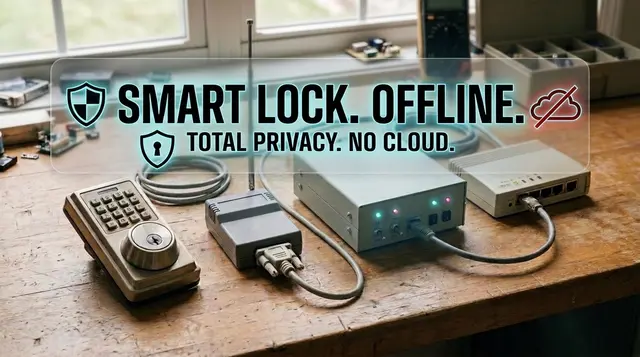
Home Assistant Smart Lock Setup Without Cloud Dependence
Connect smart locks to Home Assistant with local control, safe automations, guest codes, alerts, and conservative unlock rules.
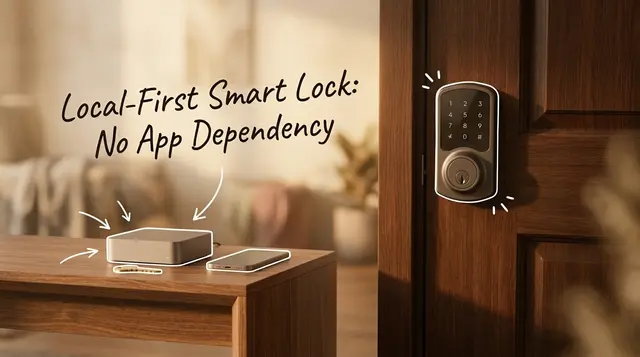
How to Choose a Local-First Smart Lock Without Buying App Dependency
Choose a smart lock by protocol, fallback access, battery behavior, and local control instead of app polish or cloud features.
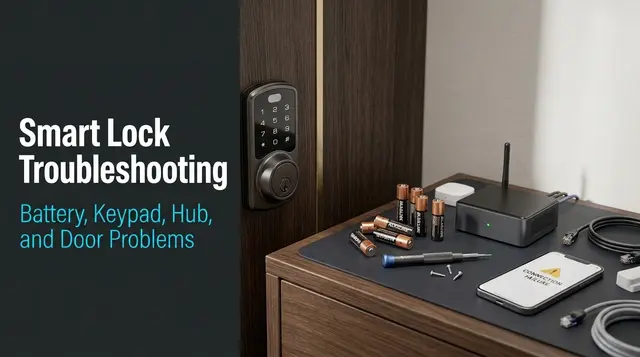
Smart Lock Troubleshooting: Battery, Keypad, Hub, and Door Problems
Diagnose smart lock failures by separating mechanical alignment, battery, keypad codes, local hub state, and cloud dependency.