Smart Lock Troubleshooting: Battery, Keypad, Hub, and Door Problems
Diagnose smart lock failures by separating mechanical alignment, battery, keypad codes, local hub state, and cloud dependency.
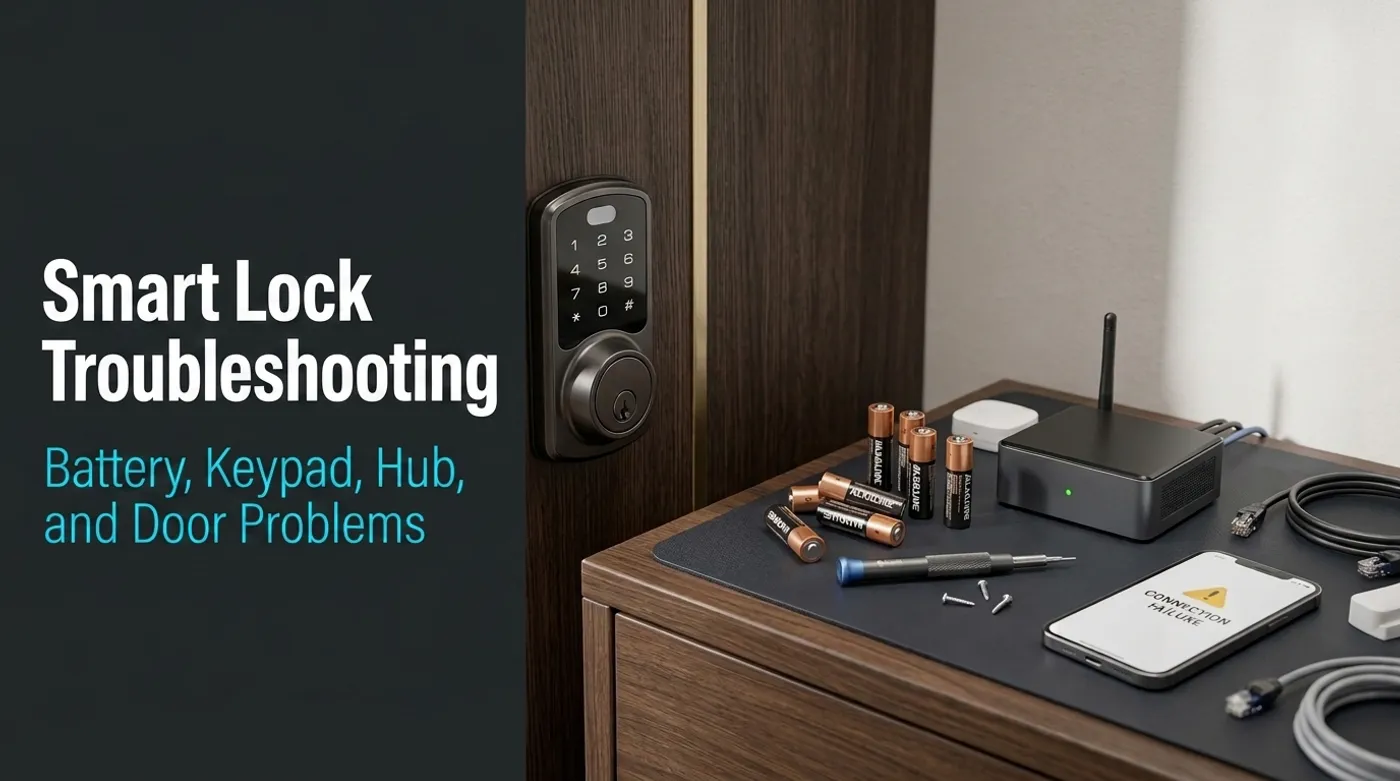
Diagnose smart lock failures by separating mechanical alignment, battery, keypad codes, local hub state, and cloud dependency.
When a smart lock fails, people usually blame the app first. Sometimes they are right. More often the problem is less dramatic: a tired battery, a sticky deadbolt, a weak Z-Wave route, a deleted code, or a door that moved just enough that the motor now has to fight the frame.
The fix is to stop treating “the smart lock is broken” as one problem. A smart lock has several failure domains stacked together: mechanical lock, motor, keypad, battery, radio, hub, app, cloud, and automations. Debug those layers in order or you will spend an hour poking the wrong thing and inventing new problems for entertainment.
If you are designing the setup from scratch, pair this with Home Assistant Smart Lock Setup Without Cloud Dependence. Troubleshooting is much easier when the architecture is observable.
Start With the Failure Domain
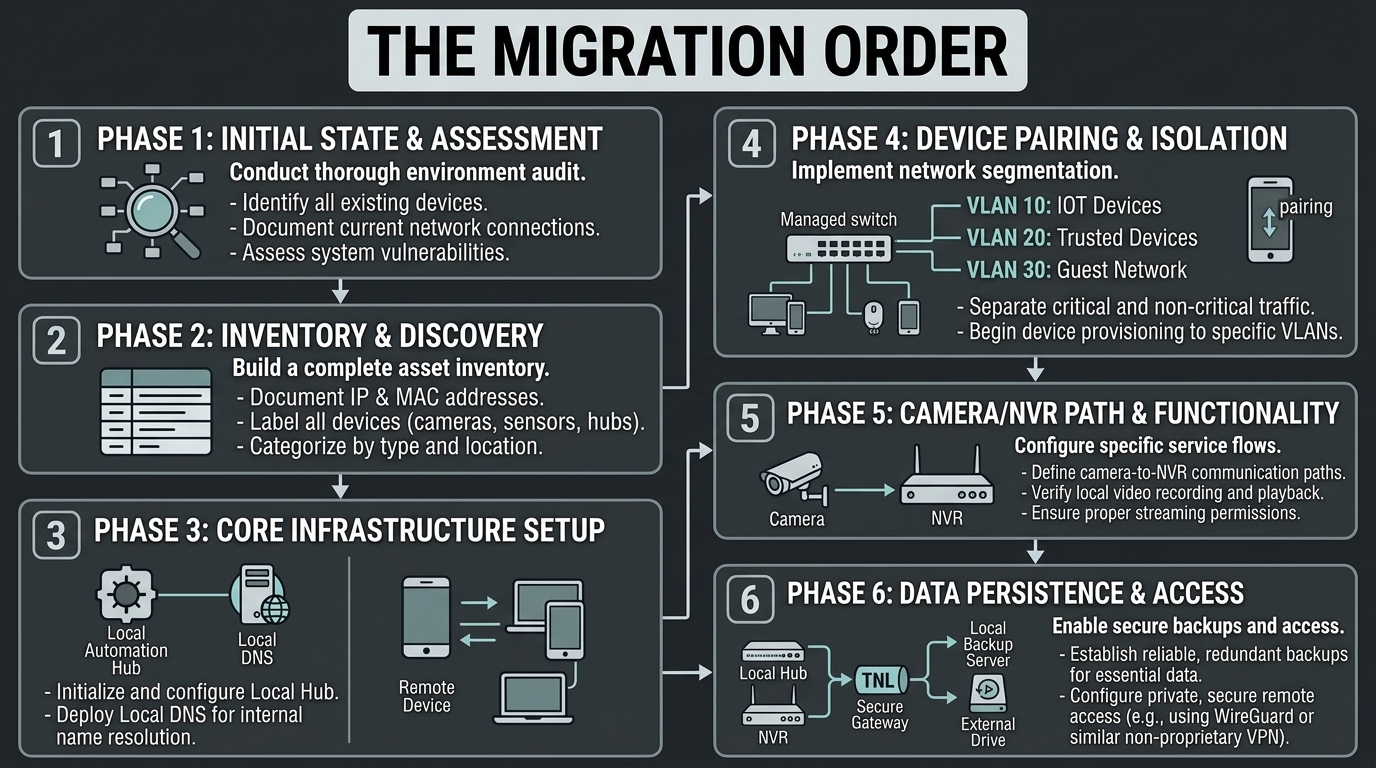
Use this order:
- Mechanical movement
- Battery and power
- Keypad and local entry
- Lock radio link
- Hub or coordinator
- Home Assistant state
- Vendor app or cloud
- Automations
That order is intentional. A jammed bolt can look like a failed automation. A weak battery can look like a radio problem. A stale Home Assistant entity can look like the lock ignored a command. Start at the door, then move outward.
The Lock Clicks but Does Not Lock
This is usually mechanical.
Check the deadbolt with the door open:
- Does the bolt extend smoothly?
- Does it retract smoothly?
- Does the motor sound strained?
- Does the thumb turn feel stiff?
- Does the lock report jammed or obstruction?
Then check with the door closed:
- Is the bolt centered in the strike plate?
- Did weather swelling move the door?
- Is the strike plate too tight?
- Are hinges loose?
- Does lifting or pushing the door change the result?
If the lock works with the door open but fails when closed, the smart part is probably not the main problem. Align the strike plate. Tighten hinges. Fix the door before blaming firmware. A smart lock motor is small. It is not there to correct a door frame that has been negotiating with humidity for ten years.
Home Assistant’s Lock integration defines jammed as a lock state, although the states actually exposed still depend on the device integration. If yours reports it, add an alert:
alias: Front door lock jammed
triggers:
  - trigger: state
    entity_id: lock.front_door
    to: "jammed"
actions:
  - action: notify.mobile_app_renan_phone
    data:
      title: "Front door lock jammed"
      message: "The lock reported a jam. Check door alignment before retrying."
Adjust the state or entity if your integration exposes jamming through a separate sensor.
Battery Drains Too Fast
Fast battery drain usually comes from one of five causes:
- the motor is fighting a sticky deadbolt
- the lock is far from the radio mesh and retries constantly
- alkaline batteries are weak or old
- cold weather is reducing battery performance
- the lock firmware or integration is waking the device too often
Start with the mechanical test. If the bolt is stiff, fix that first.
Then check radio quality. For Z-Wave locks, look at neighbor routes and signal health in Z-Wave JS UI. For Zigbee locks, check link quality and whether the lock has a sensible path through the mesh. Battery locks sleep. They do not behave like powered repeaters. Do not expect a lock at the edge of the house to communicate reliably through one sad plug behind a refrigerator.
Battery choice matters too. Many locks are designed around alkaline AA batteries. Some rechargeable NiMH cells have lower nominal voltage, and some locks estimate battery percentage poorly with them. Lithium batteries can work well in cold climates for some devices, but check the lock manual. Do not assume the most expensive battery chemistry is automatically correct.
Practical alert thresholds:
alias: Front door lock battery warning
triggers:
  - trigger: numeric_state
    entity_id: sensor.front_door_lock_battery
    below: 25
actions:
  - action: notify.mobile_app_renan_phone
    data:
      title: "Front door battery low"
      message: "Replace the lock batteries soon. Do not wait for the lock to make this your problem at the door."
Set a second, louder alert below 15 percent.
The Keypad Code Does Not Work
Do not start by deleting every code. Check the simple things first:
- Is the keypad awake?
- Is the lock in vacation, privacy, or passage mode?
- Was the code scheduled for a time window that has expired?
- Was the code overwritten by a sync from the app?
- Did someone create two similar codes and revoke the wrong one?
- Is the lock rejecting too many attempts after a lockout timer?
If you manage codes through Home Assistant, verify the code slot, name, and schedule. If you manage codes through a vendor app, confirm whether Home Assistant can actually see those code events. Some integrations show that the lock changed state but do not expose which code was used.
A sane access plan:
Resident codes: permanent, unique per person
Contractor codes: temporary, named, expires automatically
Emergency code: rarely used, stored securely, reviewed often
Shared code: avoid unless there is a strong reason
When a contractor no longer needs access, remove the code and test that it fails. Do not just trust the app screen. App screens lie by omission all the time.
Home Assistant Shows the Wrong Lock State
Stale state is common enough to deserve its own debugging path.
Check:
- Can the lock be controlled manually?
- Does the lock state update after manual operation?
- Does Home Assistant receive events from the coordinator?
- Is the Z-Wave JS, Zigbee2MQTT, ZHA, or Matter integration running?
- Did the coordinator USB path change after reboot?
- Did the lock fall off the mesh?
- Is the entity disabled, renamed, or duplicated?
For Z-Wave JS UI, confirm the node is alive and interview is complete. For Zigbee2MQTT, check the device page and recent messages. For Matter, confirm the controller and fabric relationship are still healthy after reboot. The official Home Assistant Z-Wave guide notes that sleeping devices may need to be woken manually to complete an interview and warns against broad polling because it can congest the low-speed mesh.
A useful quick test:
1. Lock from the thumb turn.
2. Wait 10 seconds.
3. Check Home Assistant state.
4. Unlock from keypad.
5. Wait 10 seconds.
6. Check Home Assistant state again.
If manual events do not reach Home Assistant, do not debug automations yet. The state path is broken.
The Hub Is Online but the Lock Is Not Responding
This is usually radio range, pairing, or sleepy-device behavior.
For Z-Wave:
- heal routes only after the network is physically stable
- add powered repeaters between controller and lock if needed
- avoid hiding the controller behind metal racks or USB noise
- use a short USB extension cable for the controller
- check whether secure inclusion completed properly
For Zigbee:
- add strong mains-powered routers near the lock path
- avoid relying on random bulbs as critical routers
- keep the coordinator away from USB 3.0 noise and Wi-Fi interference
- use Zigbee channel planning if 2.4 GHz is crowded
- check link quality after the lock is installed, not only on the desk
For Matter over Thread:
- confirm border router availability
- check whether multiple controllers disagree about state
- test after router, Home Assistant, and border router reboots
Locks are often installed at the edge of the house, near exterior walls, metal doors, glass, weather stripping, and sometimes electrical noise. Radio quality at the front door is not guaranteed just because the hub works well in the office.
The App Works but Local Control Does Not
This is the warning sign that you bought more cloud dependency than you wanted.
If the vendor app can lock and unlock but Home Assistant cannot:
- confirm whether the app is using cloud commands
- check whether the local integration supports your exact model
- verify firmware version compatibility
- check whether the lock is paired to the vendor bridge instead of your local controller
- confirm whether local APIs are disabled
- review whether Matter, Z-Wave, or Zigbee exposes only a subset of features
This is where product reviews can be misleading. “Works with Alexa” or “works with Google Home” does not mean “has complete local Home Assistant control.” Those are different claims.
If local control is the goal, test it during the return window:
WAN disconnected
Home Assistant online
Hub or coordinator online
Lock at installed location
Keypad, manual state, and local commands tested
If that fails and the vendor cannot document a local path, return the lock. Do not build permanent access control around hope.
Auto-Lock Is Firing at the Wrong Time
Auto-lock problems are usually automation problems, not lock problems.
Check:
- Did the door contact sensor report closed correctly?
- Is the contact sensor delayed?
- Did a presence group change state incorrectly?
- Did a time-based automation ignore household behavior?
- Is another automation also controlling the lock?
- Is the vendor app running its own auto-lock timer?
Avoid running two authorities. If the lock app has auto-lock enabled and Home Assistant also has auto-lock, debugging becomes unpleasant. Pick one control plane.
Good auto-lock condition:
condition:
  - condition: state
    entity_id: binary_sensor.front_door_contact
    state: "off"
  - condition: state
    entity_id: lock.front_door
    state: "unlocked"
Bad auto-lock condition:
It has been two minutes. Do something.Doors need context. People unload cars, move furniture, talk to neighbors, and take out trash. An auto-lock that fires every two minutes because a product manager wanted a feature checkbox will annoy everyone into disabling it.
Should You Factory Reset the Lock?
Only after you have checked the layers above.
Factory reset is reasonable when:
- pairing is corrupted
- secure inclusion failed and cannot be repaired
- the lock has stale code slots you cannot remove
- the lock moved from a vendor bridge to a local controller
- the device was previously owned or configured by someone else
Before reset:
- make sure you have physical access
- keep the door open during testing
- document current codes
- remove the lock from Home Assistant or the old controller cleanly if possible
- know the pairing and exclusion process
After reset, pair with the door open and the lock at its installed location when possible. If the device manual requires close-range inclusion, retest radio health after installation. Confirm local operation before closing the door and declaring victory.
A Practical Troubleshooting Checklist
Run this in order:
- With the door open, does the deadbolt move freely?
- With the door closed, does the bolt align with the strike plate?
- Are batteries fresh and correct for the lock?
- Does keypad unlock work without the app?
- Does physical key or external power recovery work?
- Does Home Assistant receive manual lock/unlock events?
- Does Home Assistant command the lock locally?
- Does the lock still work with WAN disconnected?
- Are vendor app auto-lock rules disabled if Home Assistant owns automation?
- Are guest codes named, scoped, and tested?
- Is the hub or coordinator on UPS if access automations matter?
Stop at the first failed layer and fix it. Do not keep climbing the stack while the foundation is broken.
Final Recommendation
Most smart lock problems are not mysterious. They are layered.
The door must move cleanly. The battery must be healthy. The keypad must work locally. The radio path must be reliable. The hub must report accurate state. Home Assistant must use conservative automations. The cloud should be optional, not the thing holding the whole access story together with tape and confidence.
Debug in that order and the lock becomes much less dramatic. Which is exactly what you want from the front door.
Keep reading
Related guides
Home Assistant Smart Lock Setup Without Cloud Dependence
Connect smart locks to Home Assistant with local control, safe automations, guest codes, alerts, and conservative unlock rules.
How to Choose a Local-First Smart Lock Without Buying App Dependency
Choose a smart lock by protocol, fallback access, battery behavior, and local control instead of app polish or cloud features.
AI Energy Management With Home Assistant and EMHASS
Use EMHASS with solar forecasts, dynamic tariffs, EV charging constraints and deterministic Home Assistant fallbacks.