How to Isolate IP Cameras on a VLAN
A practical local-first guide to isolating IP cameras from your main home network without breaking recording or access.
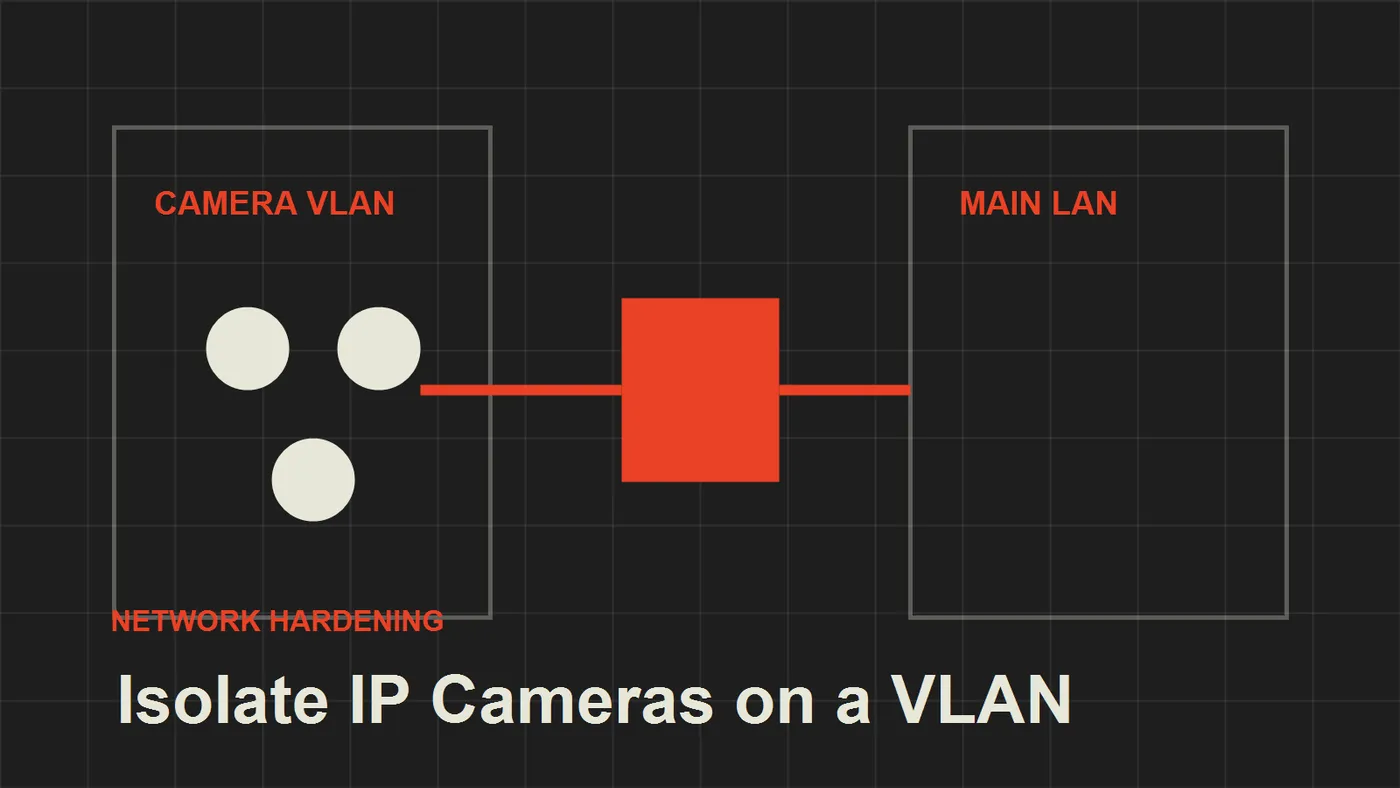
A practical local-first guide to isolating IP cameras from your main home network without breaking recording or access.
Most homeowners install IP cameras as if they were harmless appliances. They connect the camera to Wi-Fi, open the vendor app, accept the cloud prompts, and assume the job is done.
That setup works until the camera becomes the weakest device on the network.
The local-first approach is different: the camera should record locally, talk only to the systems it must reach, and stay away from laptops, phones, work machines, and private storage.
The goal
The goal of a camera VLAN is simple:
- cameras can send video to your recorder
- cameras cannot scan or reach your main devices
- cameras do not need open access to the internet
- management access is limited to trusted devices
This design gives you the convenience of smart cameras without treating every vendor device as a trusted computer.
Recommended network layout
A practical home setup can use three network zones:
- main LAN for phones, laptops, desktops, and trusted devices
- camera VLAN for IP cameras
- server VLAN or trusted host for your NVR
The NVR can be a dedicated recorder, a NAS, or a small server running software like Frigate. The key point is that cameras should initiate or expose video only to the recorder, not to the whole house.
Firewall rules
Start with a deny-by-default mindset for the camera VLAN.
Allow only what is needed:
- camera VLAN to NVR on RTSP or ONVIF ports
- trusted admin device to camera web UI when maintenance is needed
- DNS and NTP if the cameras need correct time
Block everything else:
- camera VLAN to main LAN
- camera VLAN to guest network
- camera VLAN to storage shares
- camera VLAN to the internet unless a specific feature truly requires it
This is where many smart home installs fail. They create the VLAN but leave broad allow rules in place, which removes most of the security benefit.
Remote viewing
Avoid exposing camera ports directly to the internet. If remote access is required, use a VPN, a secure reverse proxy to the NVR interface, or a private tunnel that terminates on a system you control.
The camera itself should not be the public-facing service.
Common mistakes
The most common mistake is mixing cameras and personal devices on the same Wi-Fi network. The second most common mistake is trusting the vendor cloud as the only recording layer.
A better design records locally first and treats cloud access as optional, not foundational.
Final recommendation
If you already own IP cameras, do not replace them first. Re-architect the network first. A simple VLAN, strict firewall rules, and local recording can turn a fragile smart camera setup into a much safer home security system.
{/* Product candidates: rtsp-ip-camera | IP camera with RTSP or local stream support; local-nvr-appliance | Local NVR appliance or recorder; nas-appliance | NAS that can store camera recordings; wireguard-capable-router | Router or firewall appliance for VPN remote viewing */}
Keep reading
Related guides
Build an Offline Care Assistant for Older Adults or Pets
Combine local voice, fall signals, medication reminders and family alerts without turning a home lab into a medical device.
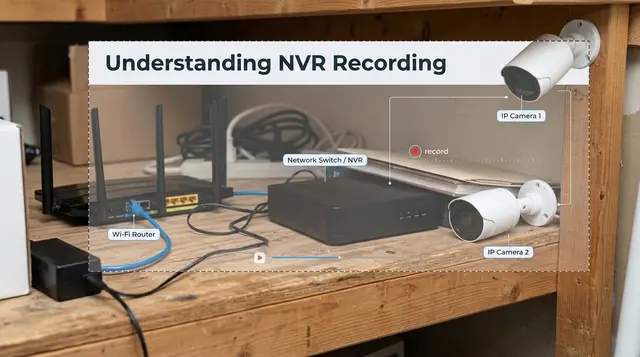
Do Not Buy a Wi-Fi Camera Before Understanding NVR Recording
A Wi-Fi camera with only an internal SD card can lose the evidence with the camera. Use a local NVR and small UPS plan instead.
Emergency Home Automation Without False Alarms
Build local-first emergency alerts with sensor confirmation, trusted contacts, panic buttons, and manual escalation instead of reckless 911 automation.