Immich Backup Strategy: Protect Photos, Database, and Metadata
Design a local-first Immich backup plan that covers uploaded assets, PostgreSQL, app config, restore tests, and off-site copies.
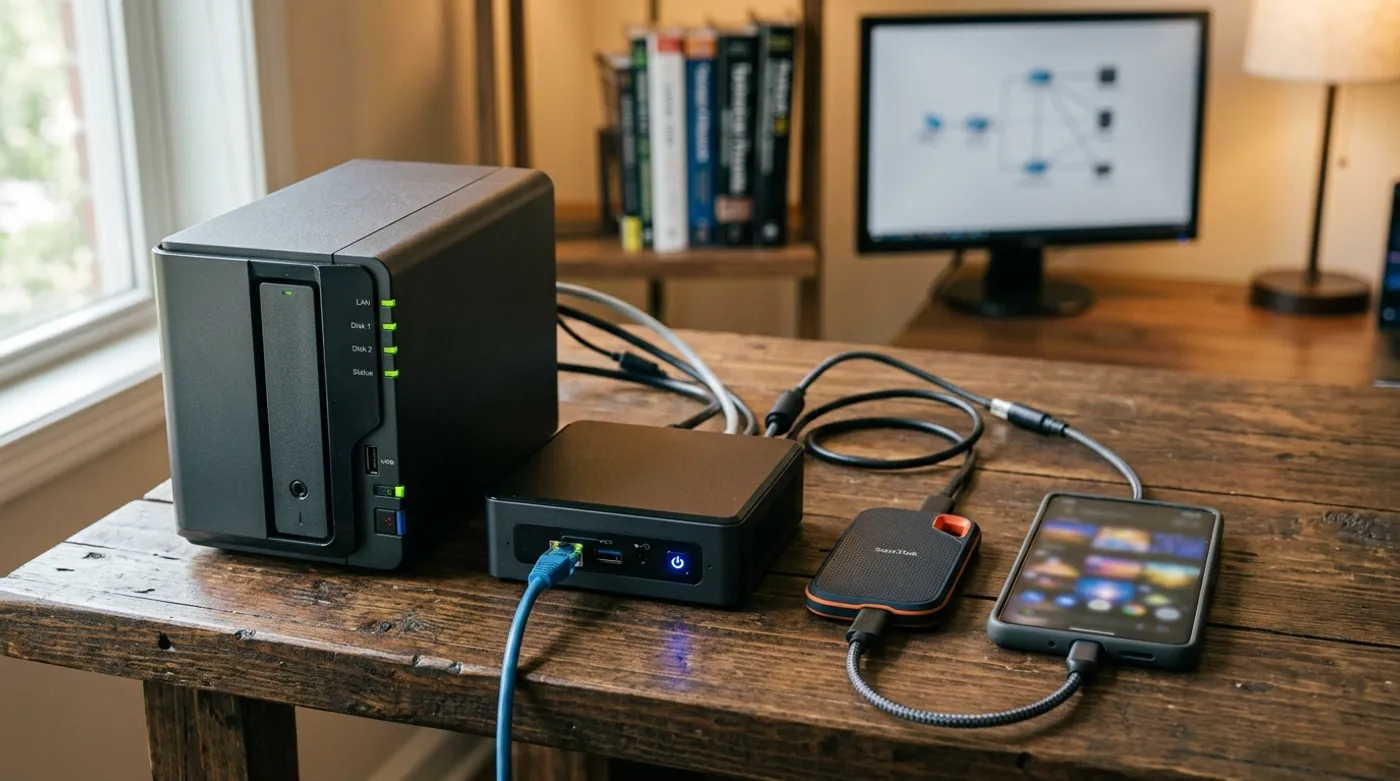
Design a local-first Immich backup plan that covers uploaded assets, PostgreSQL, app config, restore tests, and off-site copies.
Immich can feel like Google Photos on your own server. That is the appeal. The responsibility model, though, is completely different. If Google loses a disk, that is their incident. If your Immich box loses a disk and you never tested restore, that is your weekend and maybe your photo library.
A serious Immich backup strategy protects three things: original assets, PostgreSQL, and the configuration that explains how the system was deployed. Miss one of those and the restore gets weird fast.
Why Copying the Photos Folder Is Not Enough
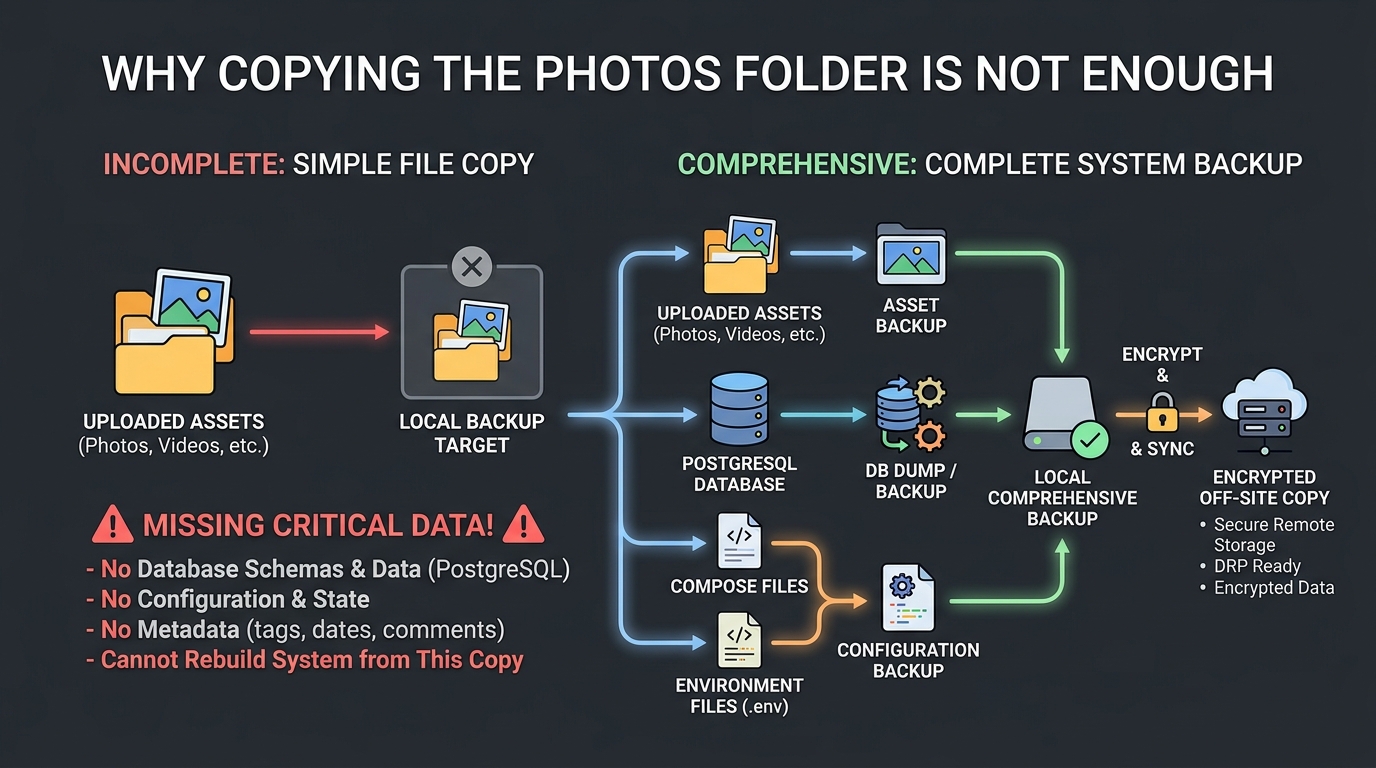
The originals are the most important data, obviously. But Immich also stores state in PostgreSQL. Albums, users, metadata relationships, jobs, and application state depend on the database. Restore only the library folder and you may have the files while losing the library behavior that made Immich useful.
Back up:
- uploaded assets
- PostgreSQL database dump or supported database backup
.envfile- Compose file
- custom reverse proxy config
- notes about storage paths and versions
Do not include secrets in a public Git repository. Private infrastructure notes are fine. Public secrets are not.
A Practical 3-2-1 Plan
Use the 3-2-1 model in a way that fits a home:
- 3 copies of important data
- 2 different media or systems
- 1 copy off-site
For Immich, that might mean:
- primary copy on the home server
- local backup to a NAS or USB disk
- encrypted off-site backup to cloud object storage or a drive stored elsewhere
If off-site cloud storage feels like it conflicts with local-first, encrypt before upload. Local-first does not mean every backup must stay in the building. It means the service does not require a vendor cloud to function.
Database Backup Pattern
Use the method recommended by the current Immich documentation for your version. In general, you want a database backup created in a consistent way, stored outside the live database directory, and copied with the rest of your backup set.
A rough operational model:
1. Create database backup.
2. Store it in /srv/appdata/immich/backups.
3. Back up library, config, and backup directory together.
4. Verify the backup job logs.
5. Test restore on a separate machine or test path.
The test restore is the part people skip. It is also the only part that proves whether you have a backup or just a comforting file copy.
Snapshot vs Backup
Snapshots are useful, especially before upgrades. They let you roll back quickly if an update breaks something. They are not enough by themselves.
Snapshots usually live near the original data. If the disk dies, the snapshot dies. If the whole server is stolen, the snapshot is gone. If ransomware or a bad command reaches the snapshot store, your protection depends on retention and permissions.
Use snapshots for fast local rollback. Use backups for survival.
Upgrade Safety
Before major Immich upgrades:
- read release notes
- stop automatic blind updates
- take a fresh database backup
- snapshot or back up the library
- record the current image versions
- confirm you can roll back if needed
Immich moves quickly. That is part of why people like it. It is also why blind auto-updates are a bad habit when the app holds irreplaceable media.
A Backup Standard Worth Using
The standard I would use is simple: recent database backup, uploaded assets copied somewhere outside the server, private copies of Compose and .env, and at least one encrypted off-site copy for photos you cannot replace.
Then test it. Restore a small sample on another path or another machine. An Immich backup strategy is only successful when the restore steps are boring, because you do not want to invent them during the same week a disk fails.
Keep reading
Related guides
Self-Host Immich With Docker Compose and Keep It Recoverable
Install Immich as a local-first photo server with Docker Compose, stable storage, sane networking, and a restore-friendly layout.
Immich Remote Access Without Turning Your Photos Into a Public Target
Compare VPN, private overlay networks, and reverse proxies for safe Immich access away from home without careless exposure.
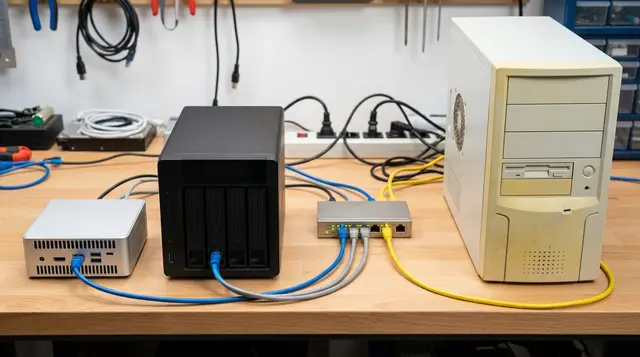
Immich Hardware Requirements: Mini PC, NAS, or Old Desktop?
Choose practical Immich hardware for photo backup, video thumbnails, machine learning, storage growth, and low idle power.